
Companies & users

How to manage companies and who can sign in

One Rojmed account can hold more than one company. The owner can add up to three users and give each person a role so they only see what they need.

01Step 1

Keep each GSTIN as its own company

Under Your Companies, add a company for each business name or GST registration. When you create an invoice, pick which company prints. Lists and reports can show one company or all.

TipThe first company you add after sign-up becomes the default.
CompaniesMulti-GSTIN
Pick who prints on the paper
  • ASharma TradersDefault company
  • BSharma RetailSecond GSTIN

02Step 2

Invite people with their own login

Open Users. Add a person with a username and password (at least 8 characters). Everyone works in the same books—they do not get a separate empty business.

UsersOwner + 3
Same books, own login
  • OOwnerAlways Admin
  • 1New userUsername + password

03Step 3

Pick the right role

Admin can do billing, money, inventory, reports, and setup (companies, users, terms). Accountant can do billing, money, inventory, and reports—but not companies, users, or terms. Staff can do invoices and masters (parties, projects, vendors) but not income, expense, inventory, reports, or setup.

RolesAccess
What each person can open
  • AAdminBilling, money, setup
  • CAccountantBilling, money, reports
  • SStaffInvoices & parties

04Step 4

Know what the owner can and cannot change

The person who signed up is the owner and stays Admin. You can edit or remove other users later. Change a role when someone’s job in the business changes.

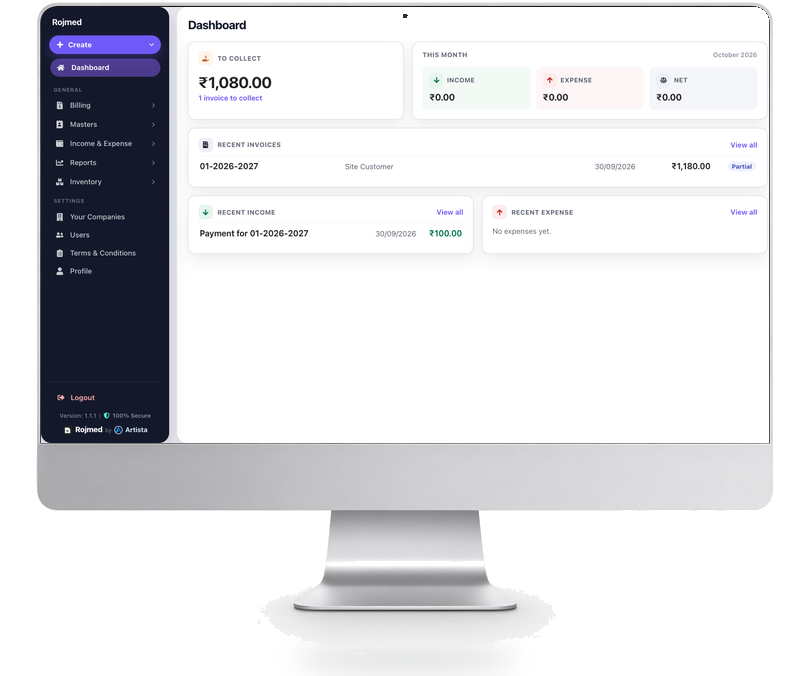
Rojmed settings area for companies and users

Try these steps in your account.

14-day free trial · no card needed. Sign up, then follow the guide with your own business details.